Aadhaar Face RD App – Facial Authentication
Aadhaar Face RD App, powered by Unique Identification Authority of India, is widely used for secure, contactless identity verification across multiple services.
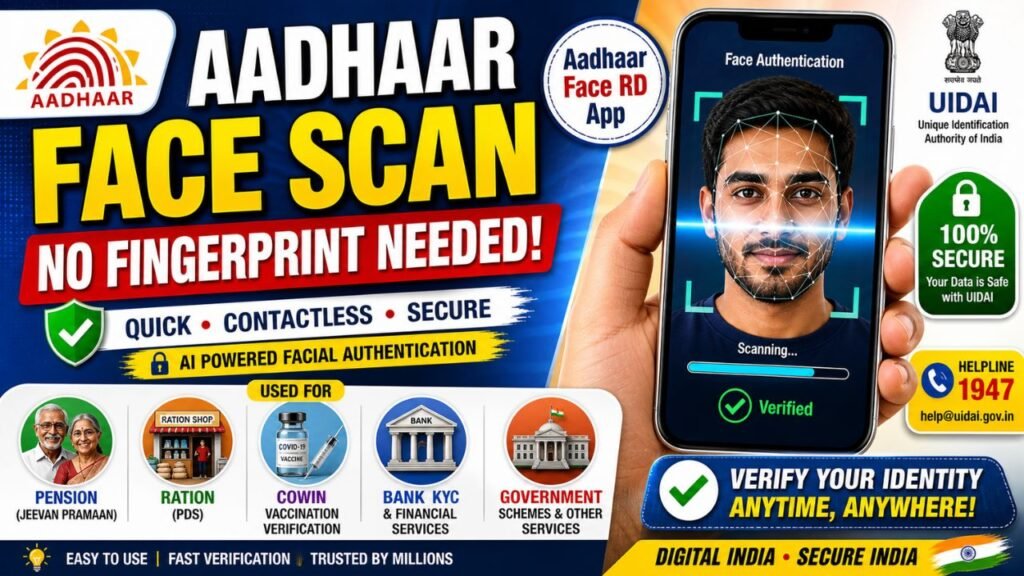
The Aadhaar Face RD App, developed by the Unique Identification Authority of India (UIDAI), has revolutionized how citizens verify their identity. By using AI-powered facial recognition, this app eliminates the need for physical biometrics like fingerprints or iris scans, making government services more accessible from the comfort of your home.
What is the Aadhaar Face RD App?
Unlike the standard mAadhaar app, which is used for managing your profile, the Aadhaar Face RD app is a specialized “Background Service“. It captures a live person’s face for real-time authentication across various government and private applications, such as:
- Jeevan Pramaan: Pensioners can submit Digital Life Certificates without visiting a bank.
- PDS (Ration Shops): Verify beneficiaries for food security schemes.
- CoWIN: Secure vaccination record verification.
- Financial Services: Instant KYC for bank accounts or SIM card activation.
Step-by-Step: Aadhaar Face RD App Download & Installation
- Download: Search for “Aadhaar Face RD” on the Google Play Store or Apple App Store.
- Install: Click install and wait for the process to complete.
- Permissions: Open the app and grant necessary permissions for Camera and Internet.
- Note: The app may not show an “Open” button or icon on your home screen because it is a background service triggered by other apps.
How to Use Facial Authentication
Since this is a headless app, you don’t “login” to it directly. Instead, follow these steps when another app (like Jeevan Pramaan) requests verification:
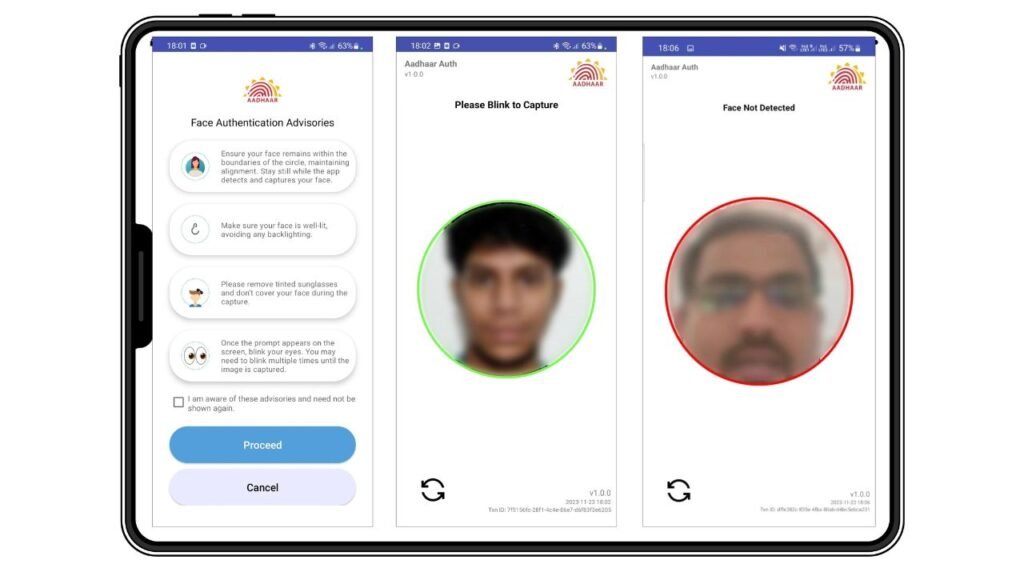
- Preparation: Move to a well-lit area. Avoid harsh shadows or wearing glasses.
- Steady Position: Hold your phone at eye level and stay still.
- Liveness Check: When prompted, blink your eyes. This confirms that a real person is present, preventing photo-based fraud.
- Verification: The app matches your live scan with your Aadhaar enrollment data instantly.
Troubleshooting Common Issues
| Issue | Potential Solution |
| Face Not Detected | Ensure there is enough light on your face and no background glare. |
| App Not Opening | Remember, this app only activates when called by other services (AUAs/KUAs). |
| Error 9913 | This often relates to camera focus or lighting; restart the host app and try again. |
| Device Compatibility | Requires Android 9.0 or higher. Check for system updates if it won’t install. |
Key Benefits for Users
- Contactless: Hygienic and easy for those with worn-out fingerprints.
- Secure: Data is encrypted and stored in UIDAI’s central repository, not shared with private entities.
- Convenient: No need to carry physical Aadhaar copies or visit enrollment centers for simple verification.
Support & Help
If you face any issues:
- 📞 UIDAI Helpline: 1947
- 📧 Email: help@uidai.gov.in
FAQs – Aadhaar Face RD App
1. What is the Aadhaar Face RD App?
The Aadhaar Face RD App, developed by Unique Identification Authority of India, is a background service that enables facial authentication for Aadhaar-based verification.
2. Is the Aadhaar Face RD App safe to use?
Yes, it is secure. Your data is encrypted and verified directly with UIDAI servers, ensuring privacy and safety.
3. Do I need to open the app manually?
No, you don’t need to open it. It works automatically when required by other apps or services.
4. Where is Aadhaar Face Authentication used?
It is used for pension services, ration distribution, bank KYC, and apps like CoWIN.
5. Why is my face not getting detected?
This usually happens due to poor lighting, camera issues, or improper positioning. Try in a well-lit area and keep your face steady.
Final Thoughts
The Aadhaar Face RD App is a major step toward Digital India, making identity verification faster, safer, and more accessible. Whether you’re a pensioner, bank customer, or ration beneficiary, this app ensures seamless authentication without physical effort.